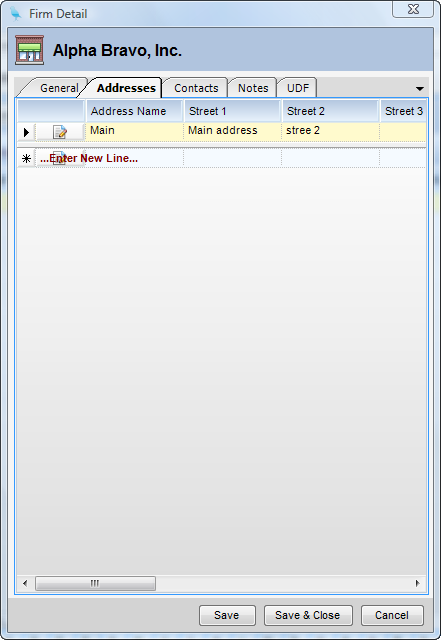
Module: Marketing Applet: Firms Tab: Addresses |
|
Description: The Addresses Tab contains the addresses of the selected firm. Clicking on a field in a Firm row will expose the Addresses Tab.
| • | Add New Address - To add a new address, enter the information on the line labeled Enter New Line and click Save. |
| • | Delete Address - To delete an address, highlight the address row by clicking on the arrow at the end of the line and click Delete. |