Description
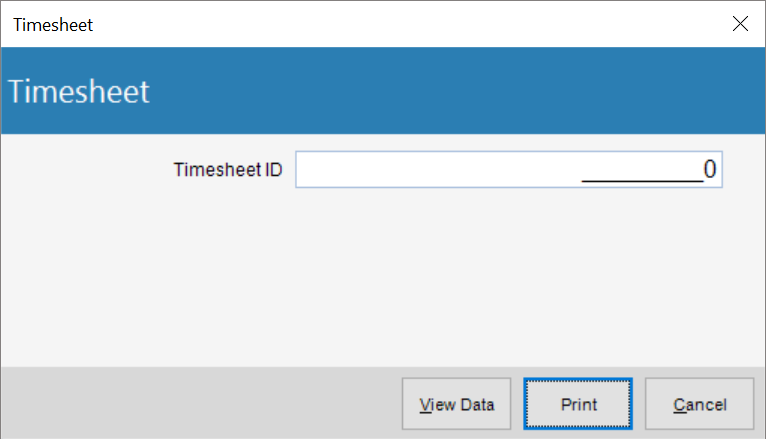
The Time Sheet Report can linked to the Personal> Time sheet applet and will render a physical time sheet that visually is comparable to the entry screen. This can be enabled by selecting the Custom Time sheet Report option in Global Settings> Time & Expense tab.
Prompt
General
| • | Time sheet ID - The Time Sheet ID number |
Report
Report Columns
| • | From - Period Start Date for Time Sheet |
| • | To - Period End Date for Time Sheet |
| • | Project |
| • | JC - Job Title Code |
| • | LC - Labor Code |
| • | S - Bill Status |
Sample(s)