Overview
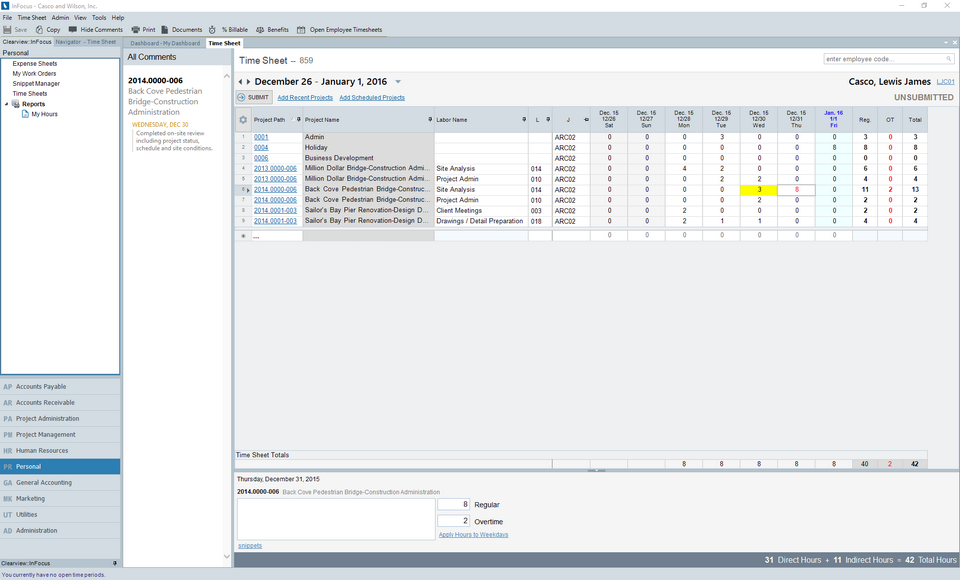
How to Enter a Timesheet for Another User. Only a Timesheet Administrator may enter timesheets for another user.
Tutorial
Please complete the following steps:
| 1. | From Personal>Timesheets, load the employee using the lookup (enter employee code in the upper left hand corner of the applet) |
| 2. | If a Timesheet has not been created, create a timesheet for the employee |
| 3. | Complete the timesheet on behalf of the loaded employee |
Note: A timesheet in progress can also be picked up and completed. Use the Timesheets drop-down box for this. The administrator can also submit, approve, or reject any timesheet.